
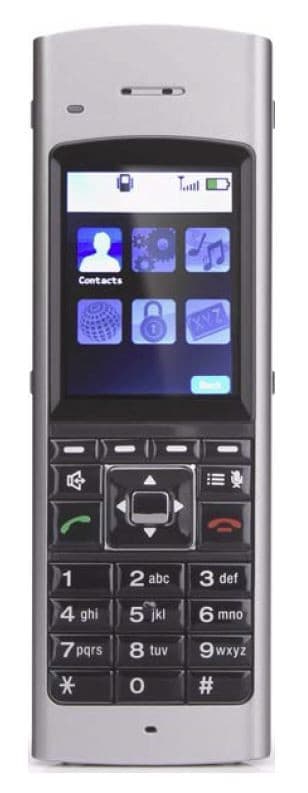
Toshiba DKT2504-DECT
The Toshiba DKT2504-DECT is a cordless telephone for Strata CIX systems, with 4 programmable buttons and a backlit lcd display. Our certified Toshiba technicians can supply, program, and support it — remote or onsite.
- Series
- 2000 Series
- Type
- Cordless
- Programmable buttons
- 4
- Display
- 2-line 24-character LCD, plus one line for icons
- Speakerphone
- Speakerphone
- Released
- 2017
- Discontinued
- 2018
- Mfr. support through
- 2021
- Accessories
- DKT2404-UDR200 repeater (replaces the UDR100 repeater; works exclusively with the DKT2404-DECT and DKT2504-DECT base stations)
- Compatible systems
- Strata CIX
About the Toshiba DKT2504-DECT
Toshiba's reliable 2504-DECT telephone was first released in 2017; manufacturing ceased in 2018, end of sales was October 2019, and manufacturer support continues until October 31, 2021.
The DKT2504-DECT replaces the DKT2404 digital cordless telephone. DECT technology minimizes any interference between base stations (antennas) in proximity or any surrounding WLAN access points. The DKT2504 is engineered to work with the CIX system, and the 2504-DECT base station has a range of up to 300-400 feet.
Features & capabilities
- Single button access to: Message, Menu/Mute, Speaker, Redial, Conference/Transfer, Talk, and Hold
- High quality ultra-secure speech with 32kbps Adaptive Differential Pulse Code Modulation (ADPCM)
- Ringer and handset volume control (or vibrate)
- 4 programmable function buttons plus 4 speed dial buttons
- 2-line with 24-character LCD display, plus one line for icons
- Hands free speakerphone operation
- Use as a stand-alone extension or as a shared extension with a digital desk phone
- 16 hours of talk time and 7 days of standby time
- 3 Ring Tones available
- Headset jack (2.5 mm)
- Base station range up to 300-400 feet
Button & feature reference
Standard Toshiba button, soft-key, and programmable-feature reference for 2000 Series and compatible Strata telephones. See “Features & capabilities” above for this model’s specific buttons.
Fixed feature buttons8
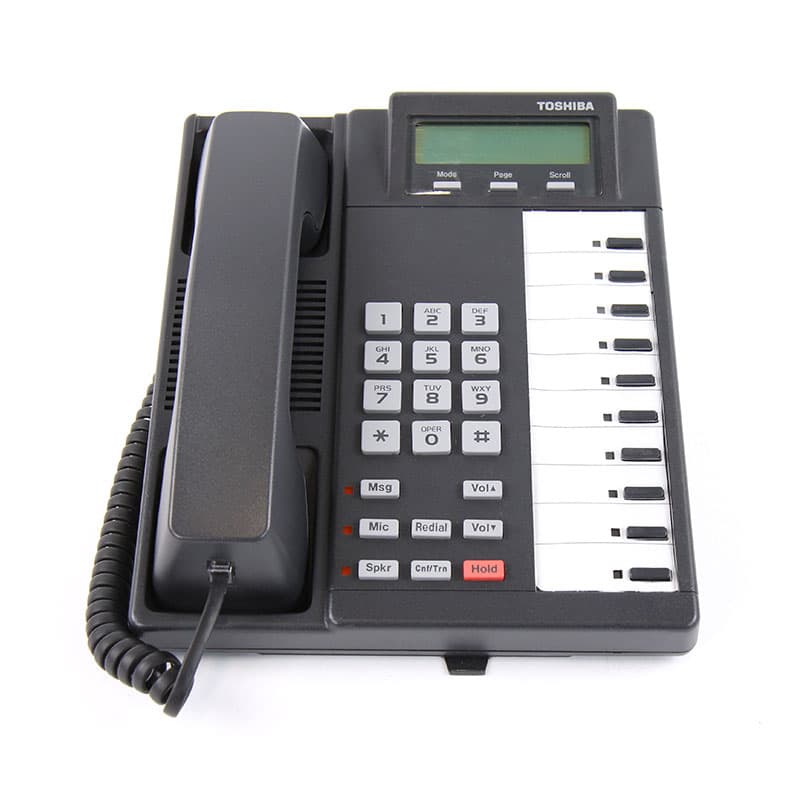
| Cnf/Trn | Conference/Transfer button Press to set up a conference and transfer calls. |
|---|---|
| Hold | Hold button Press to hold internal or outside calls. |
| Mic | Microphone button Press to turn the microphone off/on while the telephone is in use. |
| Msg | Message Waiting button The Msg LED flashes to indicate that a message is waiting. After accessing the intercom, press the Msg button to call back the station or voice-mail device that activated the LED. |
| Spdial | Speed Dial button For Private (Station) Speed Dial, press Spdial + nnn (nnn = 100–199). For System-Wide Speed Dial, press Spdial + nnn (nnn = 200–999). |
| Redial | Redial button Press to have the system redial the last telephone number you dialed. |
| Spkr | Speaker button Press to turn the speaker on/off. The Spkr button will also select a line or the intercom if programmed for auto preference in system programming. Also used to disconnect on-hook speakerphone calls. |
| Vol ▲ / Vol ▼ | Volume buttons Press to adjust volume levels. |
LCD soft-key prompts18
| Soft key | Definition |
|---|---|
| ABR | Activates Automatic Busy Redial after dialing a busy outside telephone number. |
| ACB | Activates Automatic Callback after reaching a busy station, CO line, or CO Line group. |
| BUSY | (Busy Override) Sends a call-waiting tone to a busy station. |
| CONF | Initiates or completes a conference. |
| EXEC | (Executive Override) Breaks into the conversation of a busy called station. |
| EXIT | Exits you from a conference; remaining parties are connected. |
| JOIN | Joins all parties to a conference while on a conference call. |
| LINE | Adds a CO line to an existing call while in the Conference mode. The LCD prompts you to access a CO line after you press this key. |
| MESG | Sets a message-waiting indication at a busy or unanswered station. |
| OVRD | Overrides options, busy mode, or overrides Do Not Disturb mode. |
| PGE | Enables you to enter a Page Group number (01~16). |
| RING | Makes a called station ring when making a voice-announce call to the station. |
| RLS | Disconnects a call and returns the telephone to the idle state. |
| RTRN | Terminates a feature operation and returns to a previously displayed state. |
| SPLT | Enables you to break off from a conference call with another member for a private conversation (split). Use the Join key to reconnect both of you into the conference. You must be a conference master to use this. |
| STA. | Adds a station to an existing call while in the Conference mode. The LCD prompts you to dial a station number after you press this key. |
| TALK | Makes a voice announcement to a called station that is ringing. |
| TRNS | Initiates or completes a Transfer while on an outside call. Press once for an immediate or announced transfer (per system programming); press TRNS again to complete the transfer. |
Programmable feature buttons36
| Account Code | Account Code button Press to enter a Voluntary Account Code anytime during a CO line call without interrupting the conversation. |
|---|---|
| Alarm Reset | Alarm Reset button Press to turn off a telephone alarm connected to a facility alarm mechanism (PIOU). |
| All Call Page | All Call Voice Page button Press to page all of the digital and electronic telephones in the All Call Page group. |
| Auto Busy Redial | Automatic Busy Redial button Press to set up Automatic Busy Redial after receiving busy tone on a dialed CO line call. |
| Auto Callback | Automatic Callback button Press to recall a busy station or station in Do Not Disturb (DND) as soon as it becomes idle or deactivates DND. Also used for CO line queuing. |
| Call Frwd All Calls | Call Forward–All Calls button Press to forward all calls to another station or voice-mail device. |
| Call Frwd Busy | Call Forward–Busy button Press to forward calls immediately to another station or voice-mail device when your station is busy or in Do Not Disturb mode. |
| Call Frwd Busy NAns | Call Forward–Busy/No Answer button Forwards calls immediately when your station is busy or in DND, and forwards calls not answered after three rings or 12 seconds. |
| Call Frwd No Answer | Call Forward–No Answer button Press to forward calls to another station or voice-mail device when your station is not answered after three rings or 12 seconds. |
| Call Frwd to: ____ | Call Forward–Fixed button Press to forward all calls to a station or voice-mail device assigned in system programming. |
| Data Call | Data button Press to enable manual dialing of internal data calls. See the Strata DK Data Interface User Guide. |
| Data Release | Data Release button Press to release data calls. See the Strata DK Data Interface User Guide. |
| Directed Pickup | Call Pickup button Press to initiate a Directed Call Pickup of CO line, intercom and page calls. |
| Directed Pickup 1 / 2 | Tenant Call Pickup buttons In a two-tenant system, Directed Pickup1 picks up Tenant 1 ringing CO line calls and Directed Pickup2 picks up Tenant 2 ringing CO line calls. |
| Do Not Disturb | Do Not Disturb button Press to lock your station in or out of the Do Not Disturb (DND) mode. |
| DSS | Direct Station Selection button(s) Press to ring a preselected station. The LED for each DSS button provides the idle/busy status of the assigned station. |
| Flash | Flash button Disconnect and recall dial tone on a CO line; access Centrex or PBX features; or enter a pause or flash signal when programming Speed Dial numbers. |
| Intercom | Intercom button Press to access the intercom. |
| LCD Msg Select | Message Select button Press to allow system and personal messages to be displayed on the optional 32-character LCD. |
| Line | Line button Press to access an outside line. |
| Microphn Cut-off | Microphone Cutoff button Press to turn the microphone off/on while idle, providing privacy on hands-free intercom calls. |
| Modem | Modem button Press to reserve a modem from a pool. The LED indicates the status of the modem pool. See the Strata DK Data Interface User Guide. |
| Night Transfer | Night Transfer button Press to control the system's CO line ringing pattern for after-hours incoming calls. |
| Night Transfer 1 / 2 | Tenant Night Transfer buttons Press the appropriate button to control after-hours CO line ringing patterns for either tenant sharing a single Strata DK system. |
| Pooled Line Grp | Pooled Line button Press to access an available CO line from a group of lines appearing under one button. |
| Privacy on Line | Privacy button Press to block Privacy Override on common CO line buttons. Does not block Busy Override or Executive Override. |
| Privacy Release | Privacy Release button Press to release privacy on common CO line buttons, enabling other stations to enter your conversations. |
| Release Call | Release button Press to disconnect a call and place your station in the idle condition. |
| Save Last Number | Save button After dialing a number, press to save it so the system can automatically redial it later when you press the button. |
| SD | Speed Dial button Press to Speed Dial a telephone number or feature access codes. |
| Speed Dial | Speed Dial Select Press to store and to access Speed Dial numbers. |
| Spd Dial Lng Pause | Pause (Long) button Press to insert a 10-second pause when programming Speed Dial numbers. |
| Spd Dial Pause | Pause button Press to set either a one-half or two-second pause when programming Speed Dial numbers (set in system programming). |
| Tel Set Music | Background Music button Press to turn Background Music on or off over your station speaker. |
| Tone Dial Select | Tone button Press to change the outgoing dialing of the CO line in use from dial pulse to tone signaling. |
| Unlock Door | Door Lock button Press to unlock a door lock mechanism. |
More 2000 Series phones
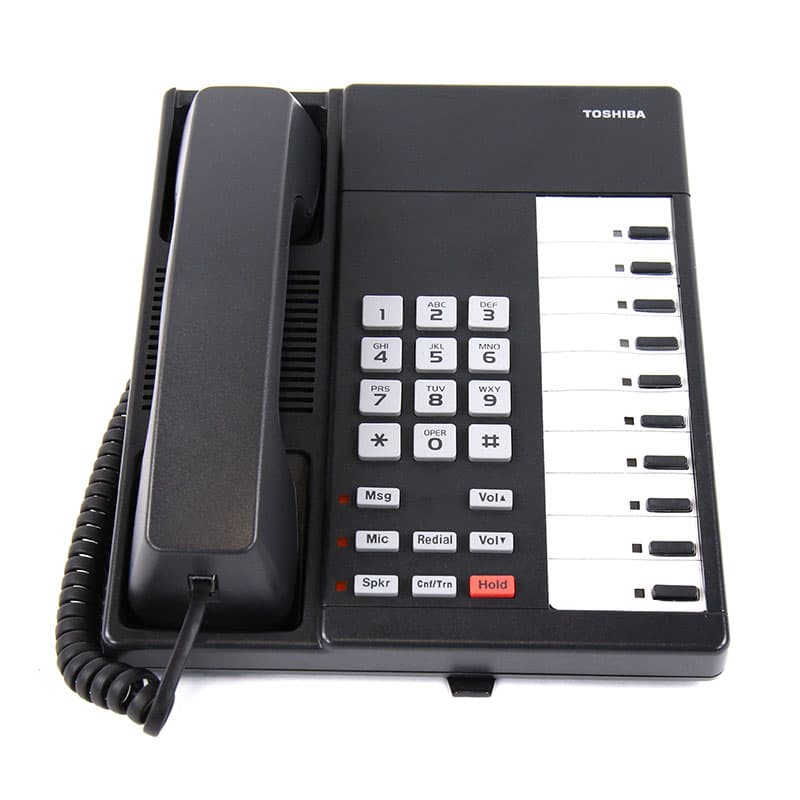
View all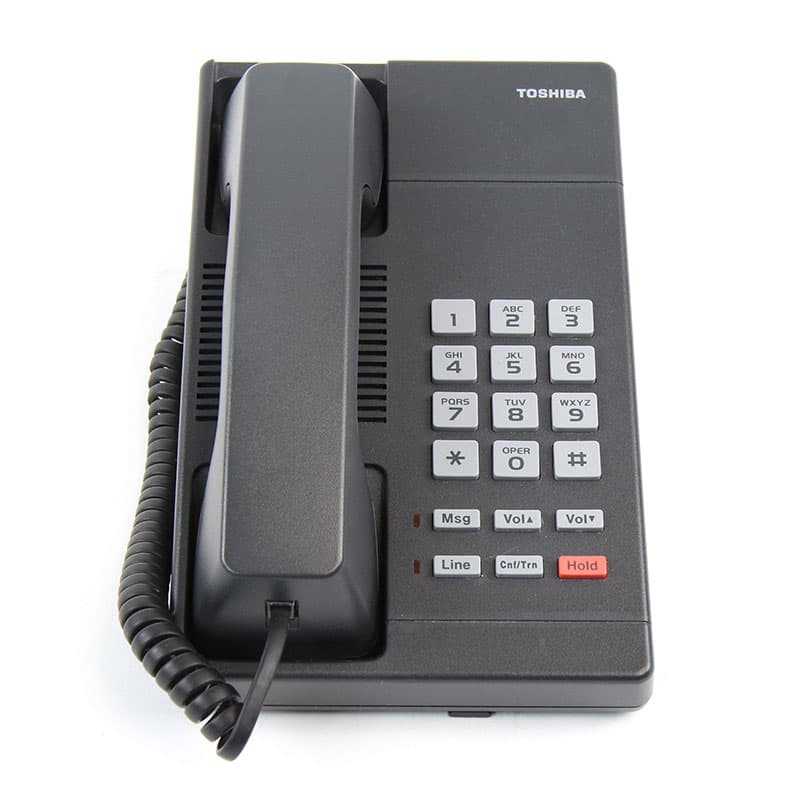
Need help with a Toshiba DKT2504-DECT?
Our certified technicians can supply, program, and support it — remote or onsite.